How to Record Calls on iPhone
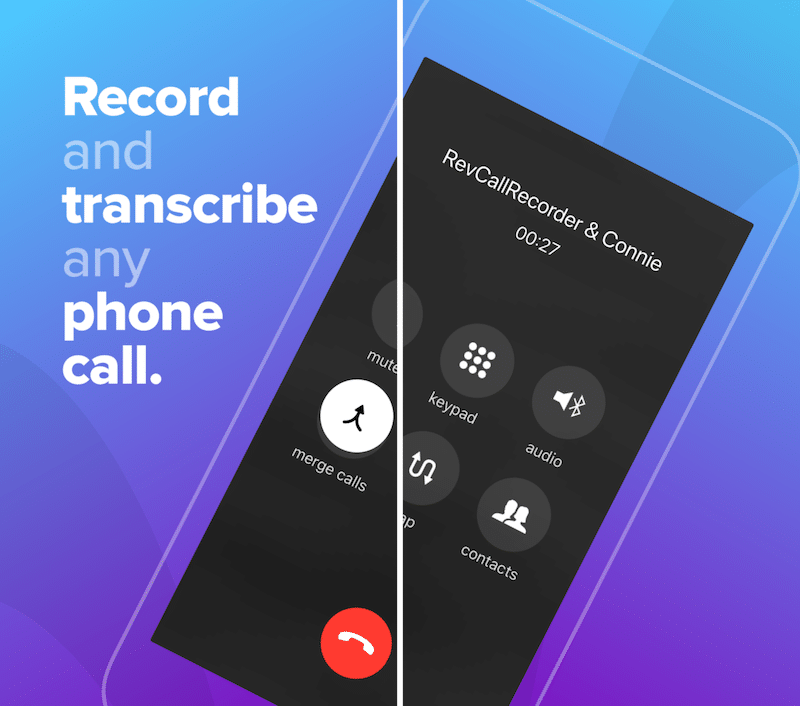
ile quite a lot of new Android phones come with a call recorder feature built-in, iPhone doesn’t have such a feature. In fact, you won’t find a traditional call recorder app on the App Store either. But that doesn’t mean you can’t record phone calls on your iPhone. There are a couple of ways to get the job done. Read on to find out how to record calls on the iPhone. 4 Ways to Record Calls on iPhone Before we begin, you should consider the legal aspect. In many western countries (and specific US states), recording a phone call without the consent of the other party can be a criminal offense. Once you’ve checked the status of the law where you live, try the following options to record calls on your iPhone. 1. Use a Call Merge Service Because there is no one-click option for recording a phone call, using a call merge service is the best way to record both sides of the conversation on a regular phone call. There are a number of apps on the App Store that provide this service and they work ...