Posts

Showing posts from 2019

How to Record Calls on iPhone
Image
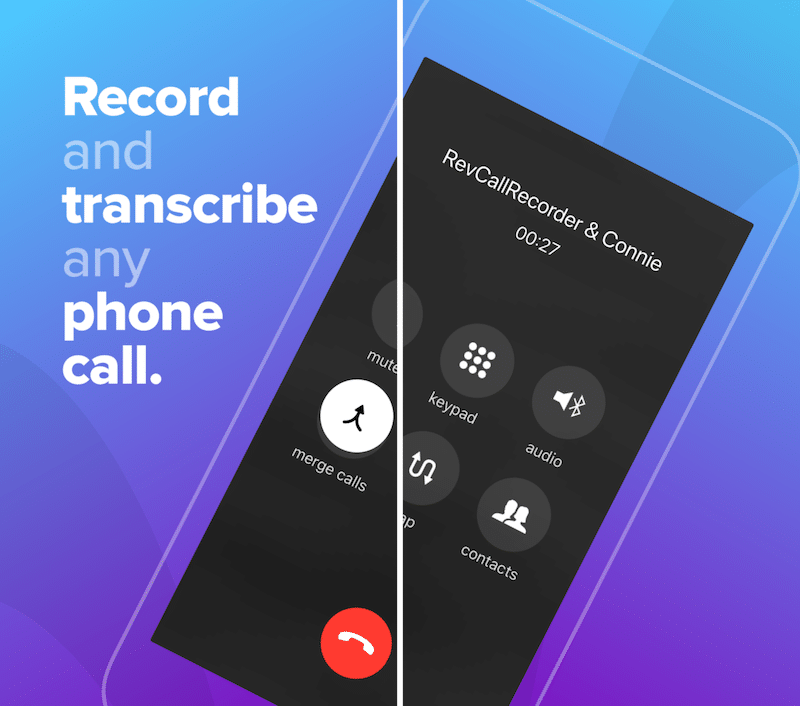
ile quite a lot of new Android phones come with a call recorder feature built-in, iPhone doesn’t have such a feature. In fact, you won’t find a traditional call recorder app on the App Store either. But that doesn’t mean you can’t record phone calls on your iPhone. There are a couple of ways to get the job done. Read on to find out how to record calls on the iPhone. 4 Ways to Record Calls on iPhone Before we begin, you should consider the legal aspect. In many western countries (and specific US states), recording a phone call without the consent of the other party can be a criminal offense. Once you’ve checked the status of the law where you live, try the following options to record calls on your iPhone. 1. Use a Call Merge Service Because there is no one-click option for recording a phone call, using a call merge service is the best way to record both sides of the conversation on a regular phone call. There are a number of apps on the App Store that provide this service and they work ...

How to Transfer Non-Purchased Music from iPod to Computer

Image
How to Transfer Non-Purchased Music from iPod to Computer In only works on Windows computer and only for iPod! When an iPod is used, then the below-mentioned steps can be followed to transfer non-purchased music from iPod to your Windows PC. Before you follow the guide, I think you should learn about the limits of this way. Disadvantages of This Way: Music cannot be viewed, the transferred music to the computer from iPod has a strange name. Also moving to iTunes only will help to identify the song and not on others. It is also complicated and cannot be used for iPad and iPhone. You can’t selectively extract music from iPhone because you don’t know the songs from their name. If it's ok for you, just follow the steps below to transfer music: Step 1. Connect your iPod and computer with a cable preferable a USB. Step 2. Double click on “My Computer/This PC” in the PC and iPod will be detected and displayed on the window. Step 3. If you are using Windows 10, type folder in the search bo...